WooCommerce Catalog Visibility Options v3.3.14 Plugin
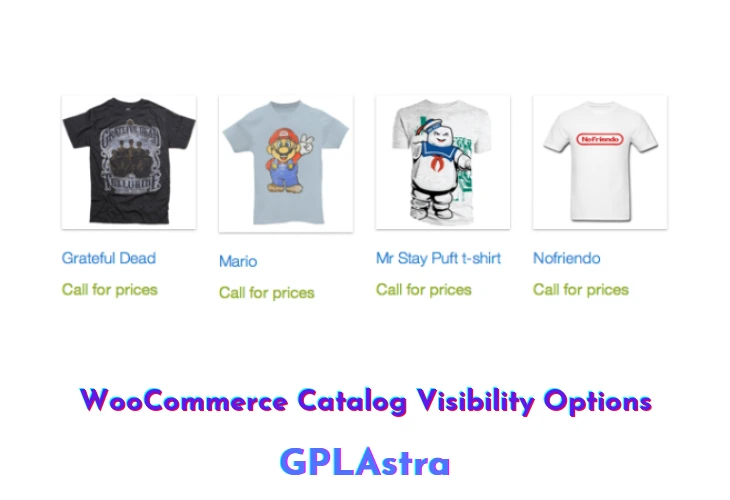
WooCommerce Catalog Visibility Options gives store owners control over which visitors can view product prices, view add-to-cart buttons, and access the checkout process. This plugin transforms a standard WooCommerce store into a private wholesale portal, member-only showroom, or public product catalog where purchasing is restricted to verified accounts.
Administrators can replace price tags with custom text notices (such as “Login to view wholesale pricing”) or substitute add-to-cart buttons with contact form links or quote request buttons. Settings can be applied globally across the entire store, per specific product categories, or on individual products based on user authentication status and assigned user roles.
3.3.14Core Features of WooCommerce Catalog Visibility Options Plugin
- Hide Prices from Guests: Conceal product prices from unauthenticated visitors and show custom call-to-action notices.
- Disable Add-to-Cart Functionality: Turn off purchasing buttons globally or for specific customer user roles.
- Custom Action Replacements: Replace purchasing buttons with inquiry forms, quote links, or phone numbers.
- Role-Based Access Control: Configure distinct catalog viewing permissions for wholesale, retail, and VIP members.
- Category-Level Rules: Apply catalog restrictions to select product categories while leaving others open for retail.
- Member-Only Store Mode: Lock down the entire shop so only logged-in members can browse items.
- Custom Alternate Content: Display personalized HTML messages informing guests how to apply for an account.
- Multisite Compatible: Manage visibility options across multiple store branches from one installation.
What’s New (Changelog) in WooCommerce Catalog Visibility Options v3.3.14
2026.08.29 - v3.3.14
* Fix: readme.txt still said Tested up to WordPress 7.0; it now matches the plugin header at 7.1
* Update: WordPress 6.5 is now the minimum supported version
Similar Plugins