Next3 Offload v4.5.2 Plugin
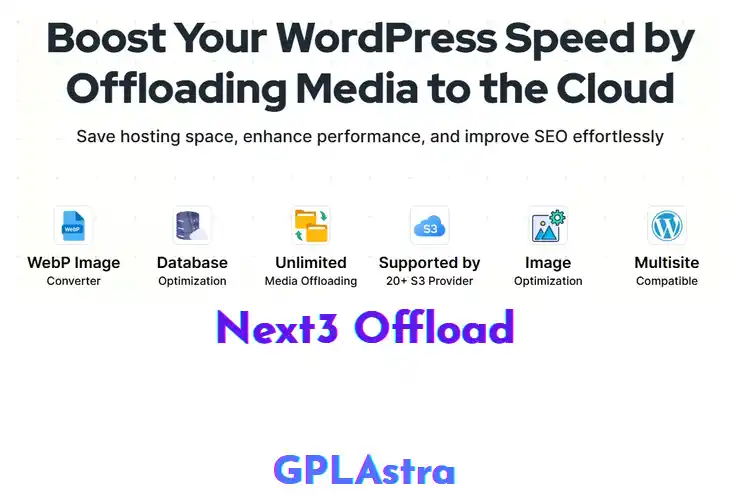
Next3 Offload moves your media library to cloud storage, letting site owners, developers, and agencies reclaim precious disk space. It automatically copies every image, PDF, video, and other asset to a chosen bucket, then rewrites URLs so the front‑end pulls files from the cloud. Because the original files stay off the local server, PHP and database queries run faster, which translates into noticeably quicker page loads for visitors.
After installing the plugin, head to Settings → Next3 Offload to select your cloud provider—Amazon S3, Google Cloud Storage, or any S3‑compatible endpoint. Enter the access keys, set a bucket, and decide whether to keep a local copy as a fallback. The plugin scans the media library, creates cloud copies, and updates each attachment’s URL on the fly. It also supports CDN integration, so cached assets are served from the nearest edge node. If the workflow sounds useful, grab the plugin from the repository and give it a spin.
Core Features of Next3 Offload Plugin
- Cloud Storage Integration: Connects directly to S3‑compatible services, letting you store media off the local server for unlimited scalability.
- Automatic Media Cloning: Every new upload is instantly duplicated to the cloud, ensuring a backup without extra steps.
- URL Rewrite Engine: Rewrites attachment URLs on the fly so visitors retrieve files from the remote location without broken links.
- Selective Folder Offload: Choose specific media folders to offload, preserving critical assets locally while moving bulk files.
- CDN Compatibility: Works seamlessly with popular CDNs, delivering cached assets from edge nodes for faster load times.
- Local Fallback Option: Keeps a copy on the server as a safety net, automatically switching back if the remote source fails.
- Bulk Migration Tool: One‑click migration scans existing media and transfers all items to the configured cloud bucket.
- Scheduler for Sync: Set daily or weekly sync intervals to keep remote and local libraries in harmony.
- Bandwidth Savings Dashboard: Shows how much data transfer is saved by serving files from the cloud versus the server.
- Multi‑Provider Support: Works with Amazon S3, Google Cloud Storage, DigitalOcean Spaces, and other compatible endpoints.
- Secure Credential Storage: Encrypts API keys in the WordPress options table, protecting access details from exposure.
- Compatibility with Popular Themes: Tested with major themes to ensure offloaded media displays correctly across layouts.
- WP‑CLI Offload Commands: Manage offload operations from the command line, ideal for automation scripts and developers.
What’s New (Changelog) in Next3 Offload v4.5.2
v4.5.2 – October 25, 2026
Fixed
Googlebot, PageSpeed, and Lighthouse requests were always served the attachment’s local URL instead of its cloud URL, even with local files removed after offload (this plugin’s own recommended configuration) — meaning every crawl or performance-test hit returned links to files that no longer existed on disk. A page cache keyed by URL rather than by user-agent (several popular caching plugins) could then store that broken render and serve it to real visitors too, until the cache entry expired. The local URL is now only used when that local file is actually still present; otherwise the normal cloud URL is served.
An attachment was only ever offloaded once. If new derivative image sizes were generated for it afterward — for example after a crop-size setting change, or via WooCommerce’s on-demand thumbnail regeneration — those new files were never uploaded to the cloud, while the plugin continued rewriting every size’s URL to the cloud regardless, producing 404s for every newly-generated size. The plugin now also listens for WordPress’s standard attachment-metadata-update event (not just the full regeneration pass triggered by a new upload or the “Regenerate Thumbnails” tool) and re-checks for any size that isn’t accounted for yet, uploading just the new files without repeating work already done.
The license activation screen could report “Your hosting firewall (SiteGround Bot Protection) blocked the license request” on hosts that have nothing to do with SiteGround. That message is now only shown when the license server’s response actually carries SiteGround’s own signature; any other redirect instead shows an accurate message that includes where the request was redirected to, so a real block elsewhere in the request path can actually be diagnosed.
Similar Plugins